How to calculate with missing values in questfox
Posted: 8. March 2021 Filed under: Uncategorized Leave a commentSometimes a question is skipped or not even shown to a respondent. This creates a missing value (e.g. -77). If your use standard mathematical procedures for a list of respondents, the missing values will destroy your calculation. In order to adress this problem in a live environment we developed our own approach to handle this. We are adding functions to this world of math by creating our own formula for the market research world being able to create a sum or an average respecting the fact, that someone did not see or answer a question. Our operations for the so called “missing values” help you to analyze correctly long before you can do similiar things with sophisticated tools like SPSS. See our idea of how to treat missing values https://questfox.news/2021/03/08/missing-values-in-market-research-with-questfox/
When you then want to calculate with a variable that contains “missing values” you will face trouble in the analysis. questfox has two special functions to take that into account.
The syntax is described here
| qf_avg() | Returns the average value of the input values (separated by comma) and excludes missing, not seen and not answered values. qf_avg(@81c4af14-4857-49b8-9dd7-449b33e73e60@ , @7151c6d2-48af-4619-8318-39b62aa99b07@) |
| qf_sum() | Returns the sum of the input values (separated by comma) and excludes missing, not seen and not answered values. qf_sum(@81c4af14-4857-49b8-9dd7-449b33e73e60@ , @7151c6d2-48af-4619-8318-39b62aa99b07@) |
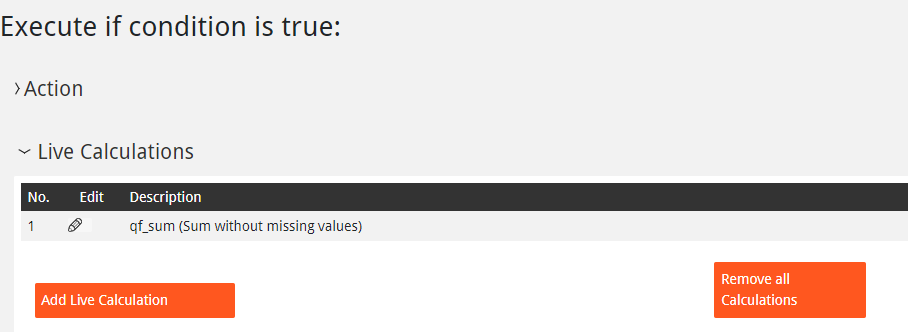
We suggest to ad an invisible number inside the question page and calculate right into that hidden variable. You can later use this value as a trigger for questlogix or to show this value live to the respondent.
 questfox News