Price Sensitivity Meter now online with full graphical support inside questfox
Posted: 1. June 2013 Filed under: Uncategorized Leave a commentFor some years questfox is offering the Price Sensitivity Meter (Van Westendorp) in the classic type-in format.
Now the new feature of using graphical scaling has been implemented into questfox®


The trick is the combination of an integer question type with a graphical interface.
Using the integer question type you have to define the range and select an appropriate background graphic and handle.
In the following example the price range is set between 0 and 100.

The graphical question of the Price Sensitivity Meter will look like this.
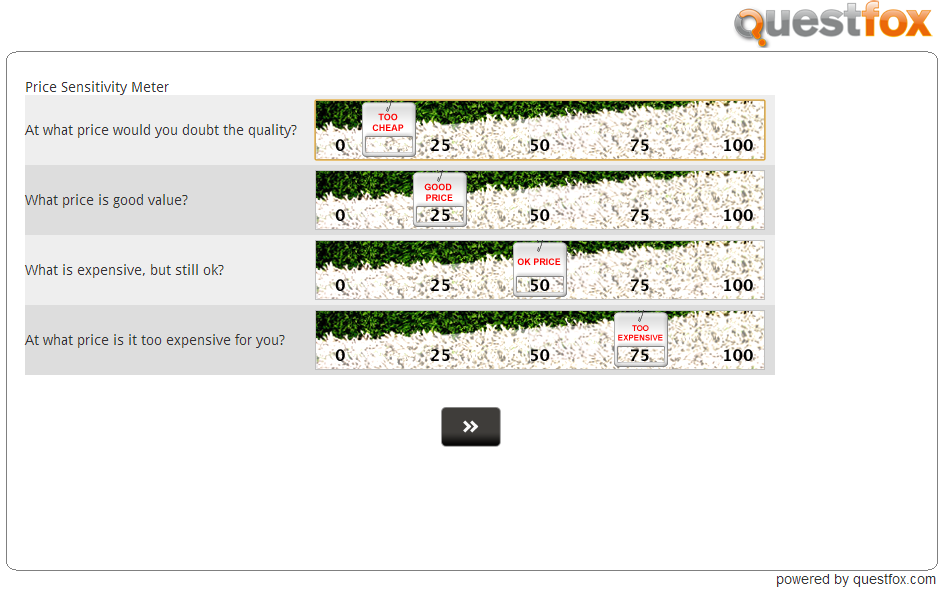
A little background check is performed, before interviewees can advance in order to make sure that the results make sense (The four answers need to be A<B<C<D).
Example of Drag and Drop Features in questfox
Posted: 5. January 2013 Filed under: Uncategorized | Tags: Drag n Drop; questfox; pangea labs; FunkyResearch Leave a comment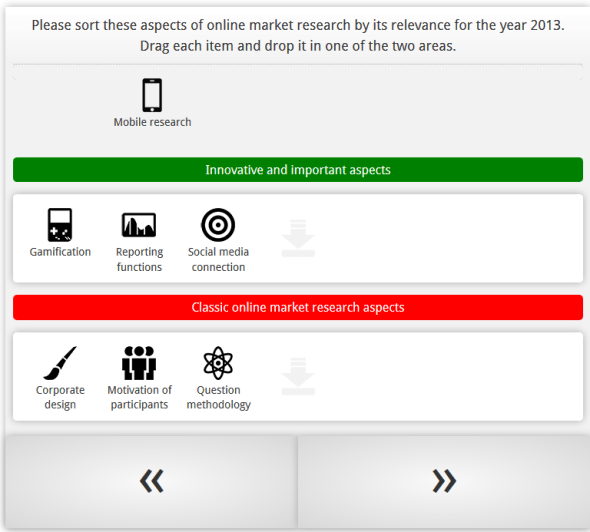
New features of new kinds of mobile research will be available inside questfox soon. Here is an example
Background color in graphical questfox output is set to neutral white now
Posted: 12. December 2012 Filed under: Uncategorized Leave a commentDesign is changing quickly in these days. Windows8 is a real shift in design for several industries.
Today we took away the slightly blue colored background from the questfox graphics.
The inner background is now purely white which should be much less in conflict with a company’s corporate design.
We promise more design changes for the year 2013 in questionnaire design and in output design.
New interactive live online charting tool for decision trees integrated in questfox
Posted: 9. November 2012 Filed under: Uncategorized Leave a commentquestfox allows you to use a new online charting tool in decision trees inside of questfox.

By integrating the command {showTreeChart} into the feedback options of a decision tree, you can easily integrate an interactive graphic while still interviewing.
The following screenshot from an interactive chart shows you how it looks like. Colors are defined by the color of the attribute or alternative.
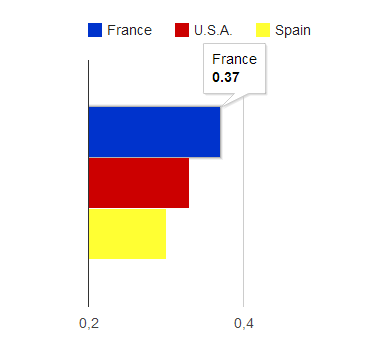
New function of questfox with online charting tool
We are still in test mode. More graphical reporting upcoming…
Import into Excel right from questfox
Posted: 21. October 2012 Filed under: Uncategorized Leave a commentWe just launched a new import feature, which allows Excel to import selected tables from a questfox report.
The function can be found in

Select the desired group and define the report view.
Then click on:
The link to be used inside of Excel is the external link under “All in one report”
Copy and paste this link into the import function of Excel.
Please remember that this action is heavily consuming server resources and will sometimes take up to several minutes.
Setting the slider position in Semantic Differential questions is available now
Posted: 17. September 2012 Filed under: Usability Leave a commentIt is now possible to define the starting position of a slider in the question type semantic differential inside of questfox.
Go to the settings of the specific question and find the definition of the position underneath the upload of the slider. Every position of a defined scale can be selected.
The screen looks like this:
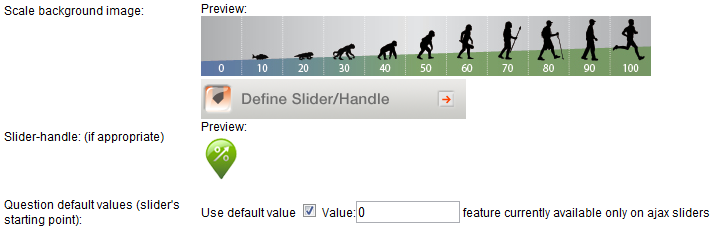
The question will be then shown during the interview like this:

Setting of a slider on a graphical scale in market research
This setting has no influence on the data situation. Data is only saved, once the slider has been moved to a specific position.
More information about questfox on www.questfox.com
Facebook Fan Check inside of questfox with market research features
Posted: 17. August 2012 Filed under: Technology | Tags: Facebook, Fangate, Foegate Leave a commentWorking in the field of social interaction requires to check a participant’s fan status on Facebook from time to time.
It is now possible to use market research screen-out features inside of questfox based on the Facebook fan status of a person.
The status can be checked using the Quota Management functions in INVITE.

Everyone who is or is not a fan of a defined Facebook page can be automatically be blocked from taking part in the interaction.
These are the settings:
- Type in the name of the facebook fansite (ex. on screen quizfox)
- Set the desired status to check (No Fan equals 0 /Fan equals 1)
- Type in the text for the people who are screened out.


Using this feature would also allow to exclude fans from taking part in a social web (Foegate).
Share your experience with us and www.questfox.com.

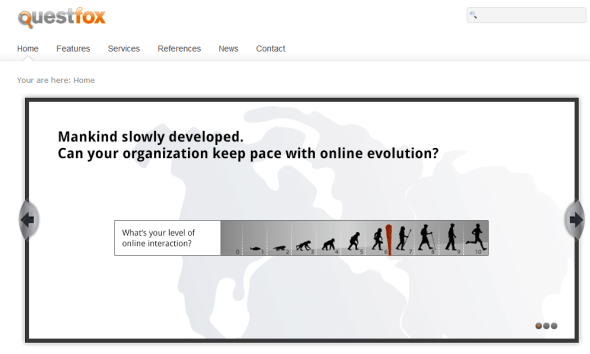
New questfox website online
Posted: 2. August 2012 Filed under: Uncategorized Leave a commentFinally a new website went online yesterday during the swiss national holiday.
Hope that you like our new design
questfox manual updated
Posted: 2. August 2012 Filed under: Uncategorized Leave a commentA new version of the questfox manual is uploaded.
You will find the updated handbook inside your project on the upper right side.
Click on  to access the handbook.
We know that some topics are still not covered by the manual, but we are working on it.
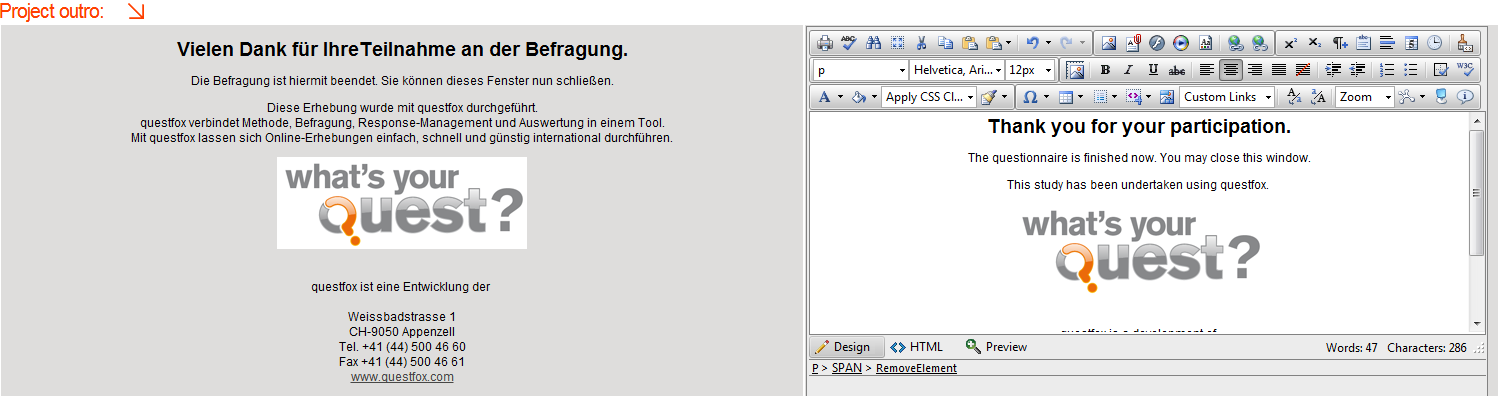
Textwork function activated; Translations much easier now
Posted: 14. May 2012 Filed under: Uncategorized Leave a commentThe final test phase of a function that will help you (and others) to work on the text of a questionnaire in a separated interface is finished.
The idea is, that someone who is not familiar with questfox at all, can edit the final texts in a survey (including intro text, mail text, items, scale labels etc.)
The Textwork feature is now available in the CREATE area under

This function can also be used to translate projects quickly. We are working on a time limited external access to this feature in order to allow interpreters to translate a project with all details without knowing what questfox actually is. Please allow us some extra time in order to publish this marvelous feature which will be a boost to your international projects.
Here is an example of the feature that you will soon be able to use.
 questfox News